 5s
⚡ Generate
5s
⚡ Generate
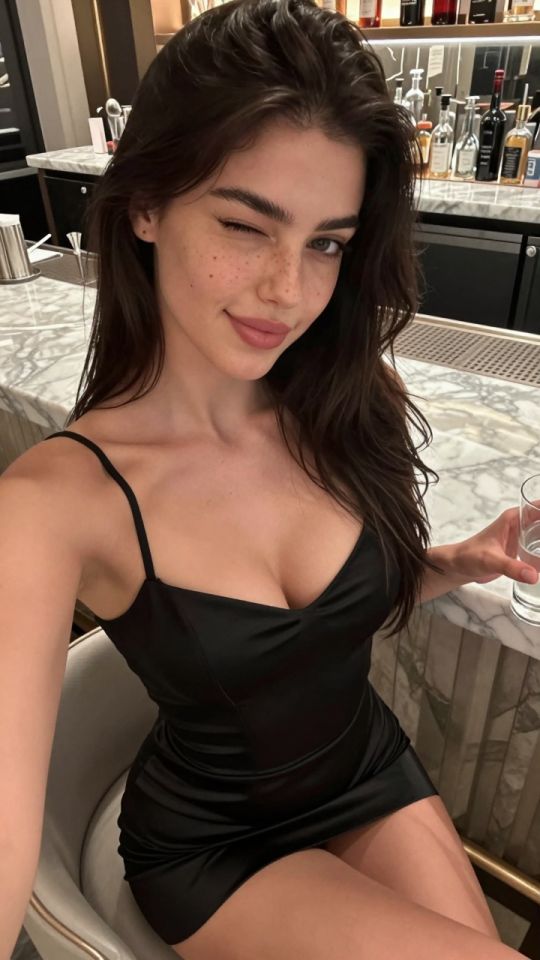
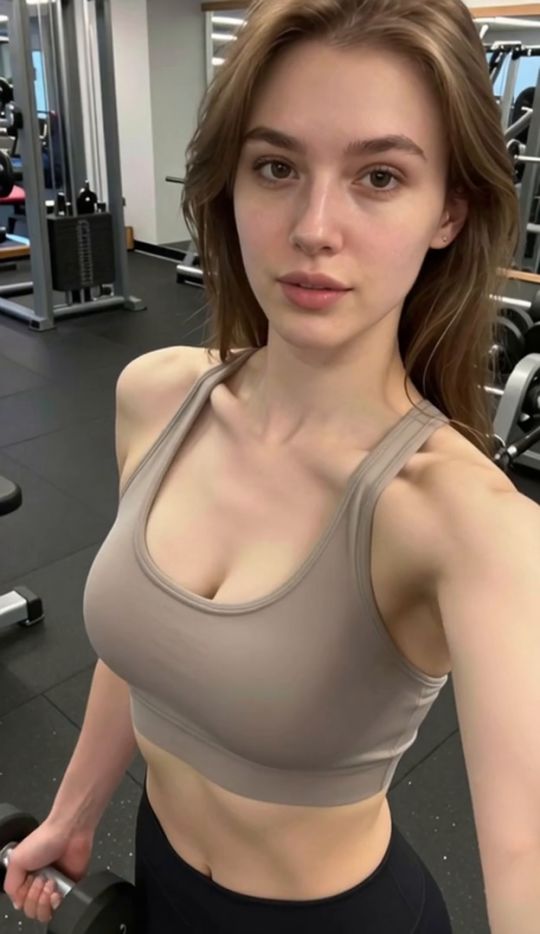
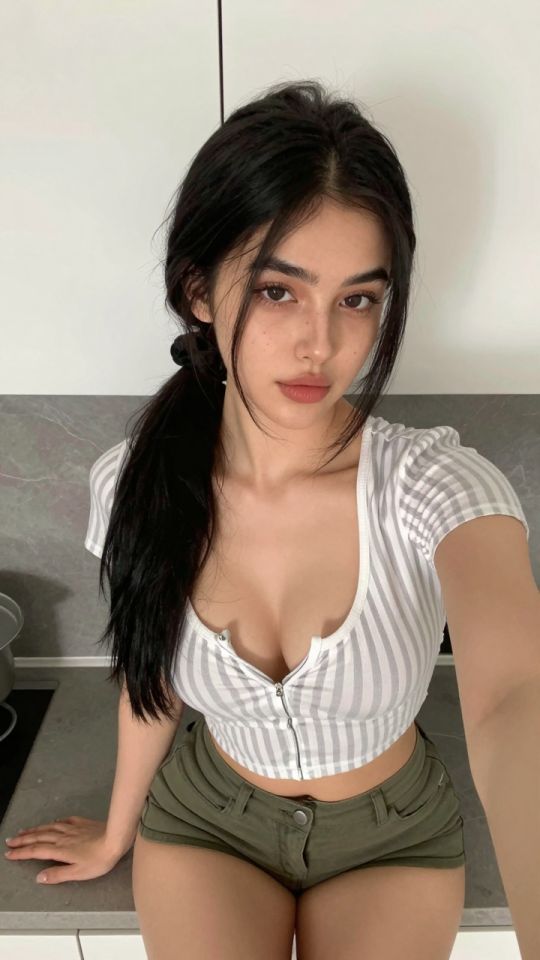
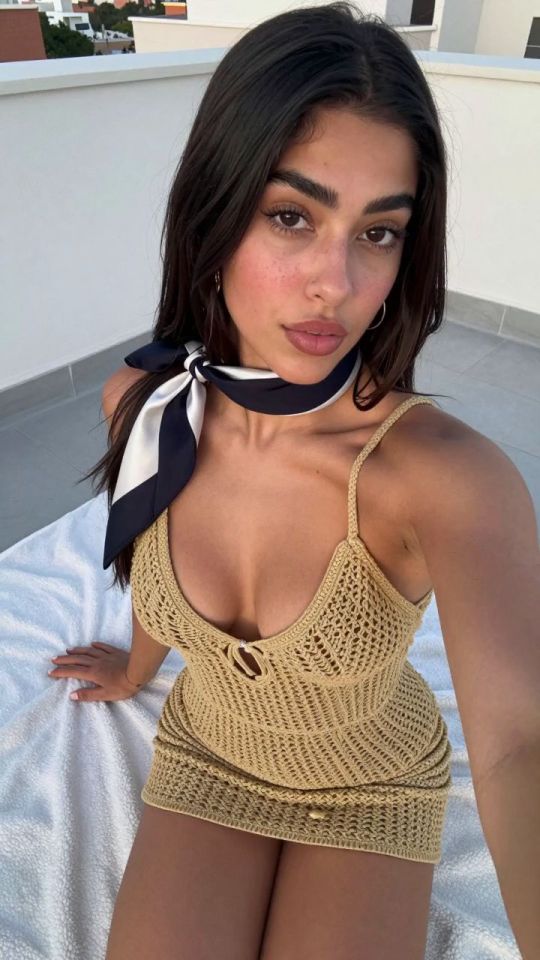
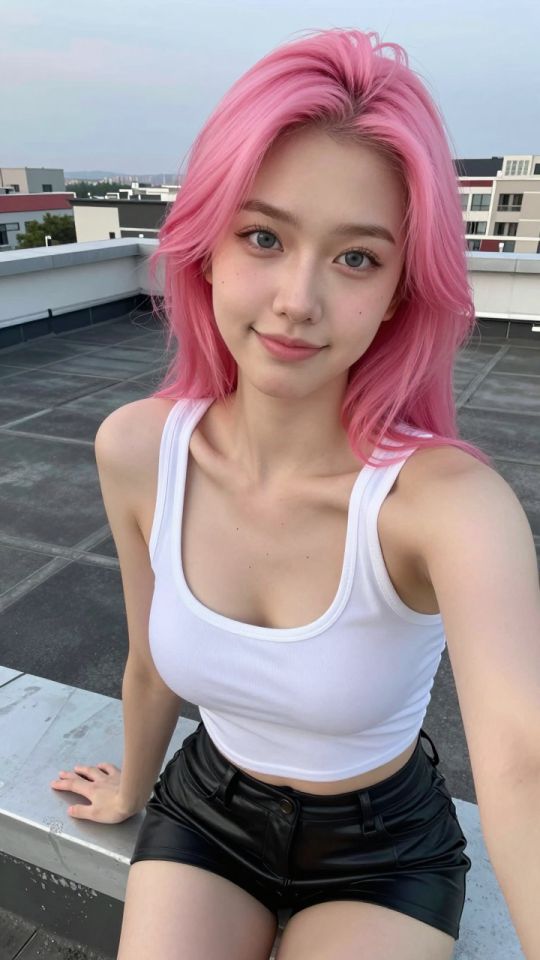
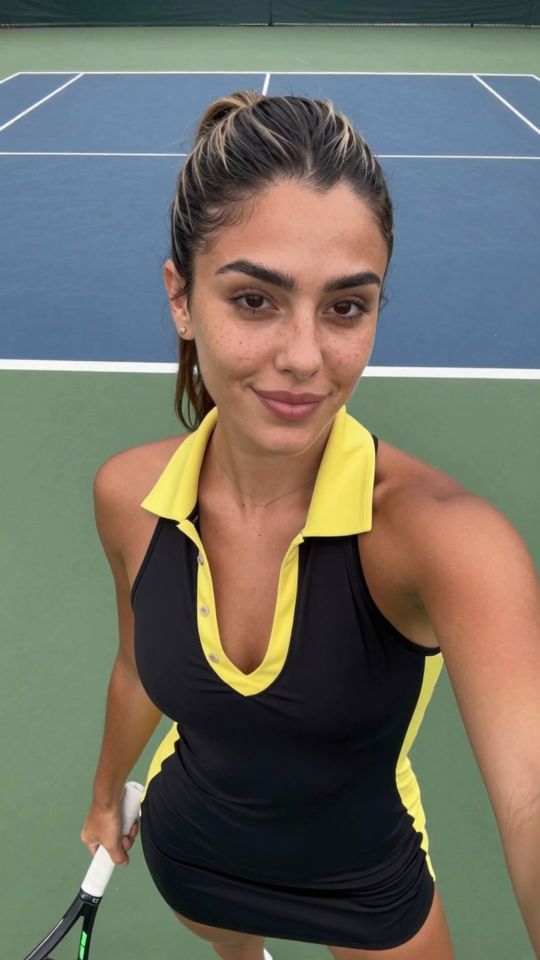
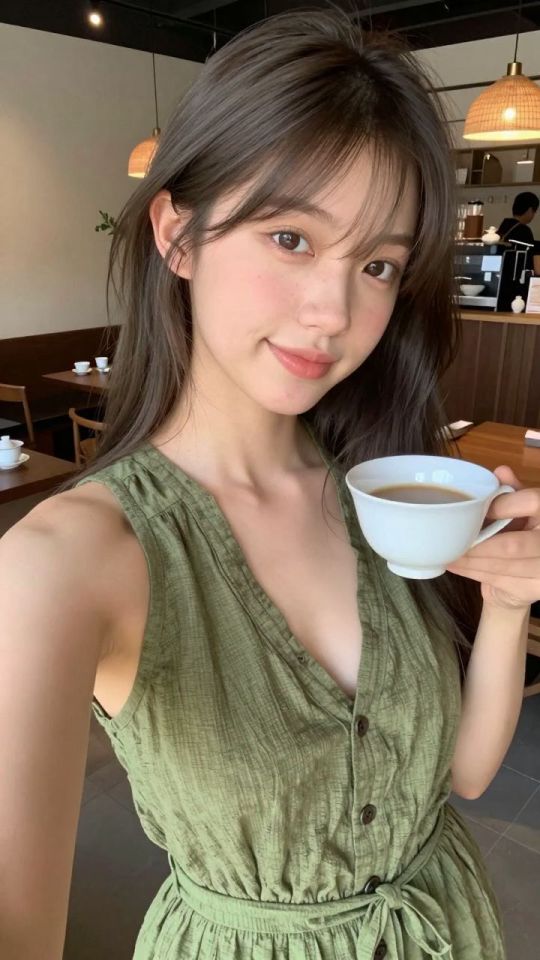
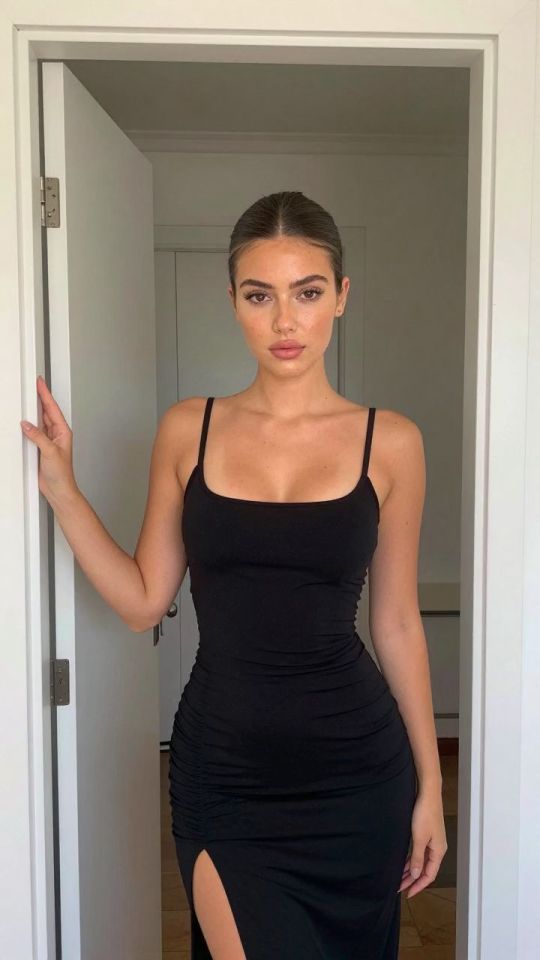
The cover shoot: brief a fictional adult cover star once, then shoot consistent cover series at 6 credits a frame.
Pick an effect, upload your photo, and the built-in recipe does the rest. Same photo, far more reliable results.
You have been writing prompts by hand. Templates skip all of that — pick a card below, upload your photo, and get the same scene in one click.
5s
⚡ Generate
 5s
⚡ Generate
5s
⚡ Generate
 5s
⚡ Generate
5s
⚡ Generate
 IMAGE
⚡ Generate
IMAGE
⚡ Generate
 5s
⚡ Generate
5s
⚡ Generate
 NEW 5s
⚡ Generate
NEW 5s
⚡ Generate
 NEW 5s
⚡ Generate
NEW 5s
⚡ Generate
 NEW 5s
⚡ Generate
NEW 5s
⚡ Generate
 NEW IMAGE
⚡ Generate
NEW IMAGE
⚡ Generate
 IMAGE
⚡ Generate
IMAGE
⚡ Generate
 5s
⚡ Generate
5s
⚡ Generate
 NEW 5s
⚡ Generate
NEW 5s
⚡ Generate
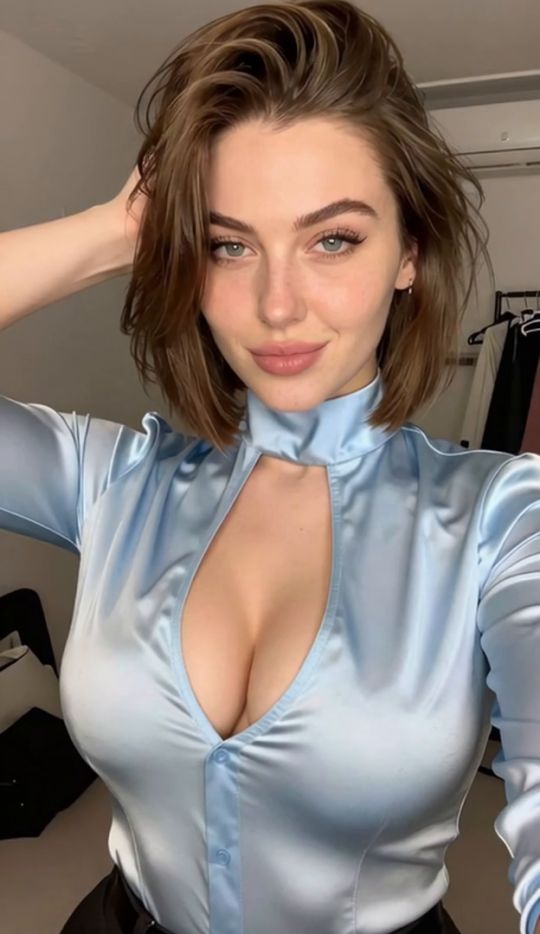
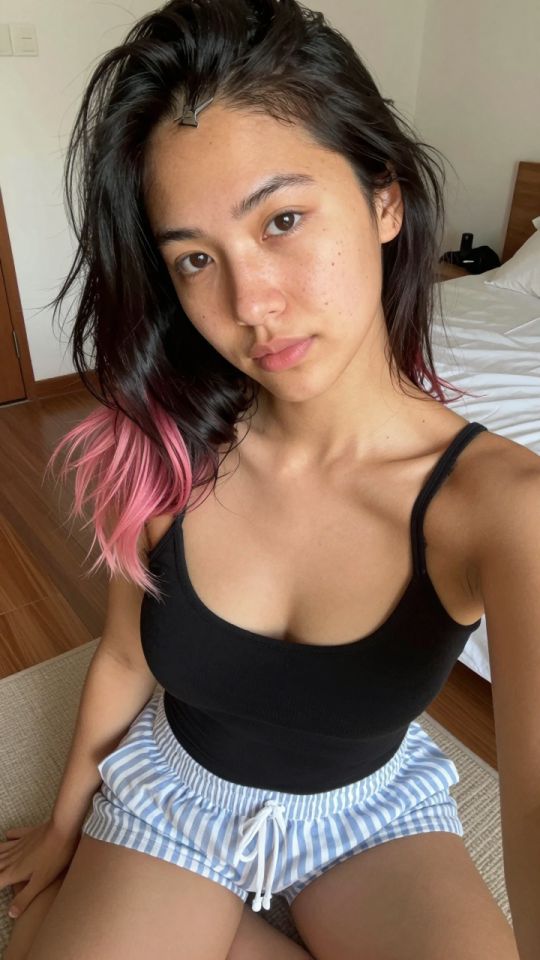
Every issue starts with the same question a magazine art director asks: who is on the cover, and will a stranger stop scrolling for her? This generator is built to answer it in series. You brief a fictional cover star once — her age, hair, face anchors and one signature detail — and then shoot against that brief all season. The standard model renders at 6 credits per frame in a tall 832×1248 portrait format, the shape covers and feeds are cropped to anyway.
The discipline is editorial, not technical. The cover brief never changes; the scene lines do. Wardrobe, set, light and pose are this frame’s assignment — everything above them stays word-for-word identical, which is why a month of covers reads as one woman’s magazine and not a casting lottery.
Five anchors that never change: age (25+), hair, build, face detail, one signature item. Save it as text; paste it first, every time.
One setting, one outfit, one light per frame. Shoot a set against a single setup so the frames sit together like a photo story.
Generate wide, choose the one frame that stops a thumb, and send only the keepers to the retouch desk or the press run.
The face at the top of your link page — the frame every visitor judges the whole issue by.
Sets shot on one brief, so the inside pages match the promise the cover made.
Covers composed with room to move become the opening frames of your video features.
“Fictional 33-year-old woman, sleek chestnut-brown blunt bob, bold arched brows, small beauty mark below the right eye; tomato-red tailored blazer over a black top, chin lifted, warm cream studio backdrop, soft directional light, magazine cover photograph.”
Everything before the semicolon is the cover brief — reused verbatim. Everything after it is this cover’s assignment, the only part that changes.
“Fictional 33-year-old woman, sleek chestnut-brown blunt bob, bold arched brows, small beauty mark below the right eye; cream knit dress, seated at a marble café table, morning window light, editorial lifestyle photograph.”
Same anchors, new wardrobe and light. Side by side, the two frames read as one woman, one issue — that is a cover star, not a coincidence.
| Setting | Standard model | Premium model |
|---|---|---|
| Price | 6 credits | 41 credits |
| Best for | Series shooting, daily covers | The hero cover, campaign frames |
| Working style | Shoot wide, pick one | Brief carefully, shoot few |
| Symptom | Usual cause | Fix |
|---|---|---|
| The star changes between issues | Brief rewritten from memory | Paste the identical cover brief; vary only scene lines |
| Busy, noisy frames | Too many scene elements | One setting, one action, one light source per frame |
| Hands and jewellery glitch | Hands posed around small props | Keep hands simple, or crop the composition at the waist |
Yes. Signing up is free, and the daily check-in gives you 6 credits — exactly the price of one standard frame. Check in, shoot today’s cover, and decide about credit packs once you have seen your star in print.
The standard model costs 6 credits per image, shown before you confirm. Premium output is 41 credits and suits hero covers rather than volume shooting.
Fix a cover brief of anchor phrases and reuse it verbatim at the start of every prompt. Change only wardrobe, setting and light between frames.
No. Results are private in your account by default. Only frames you explicitly publish appear in the gallery.
Standard production is a tall 832×1248 portrait frame, ready for covers and feeds. Use the image upscaler when a platform needs a larger delivery file.
Covers, features, retouching and finishing share one account, one credit balance and one private library. Start with the piece this issue needs.
Open the generatorAnalyzing your photo…
Your result will appear right here — keep this open.
0:00
Your image is deleted after generation.
Browse filesFailed jobs are refunded automatically. Results land in My Collection.