 5s
⚡ Generate
5s
⚡ Generate
One link is all a creator gets in a bio. CreatorLinkPage treats that link the way an editor treats a cover: a face that stops the scroll up top, features worth opening inside, and a studio behind the page that produces every still, clip and retouch the issue needs. Signing up is free, every job shows its price before it runs, and the work stays private until you publish it.
5s
⚡ Generate
 IMAGE
⚡ Generate
IMAGE
⚡ Generate
 5s
⚡ Generate
5s
⚡ Generate
 IMAGE
⚡ Generate
IMAGE
⚡ Generate
 5s
⚡ Generate
5s
⚡ Generate
 5s
⚡ Generate
5s
⚡ Generate
 5s
⚡ Generate
5s
⚡ Generate
 NEW 5s
⚡ Generate
NEW 5s
⚡ Generate
 5s
⚡ Generate
5s
⚡ Generate
 IMAGE
⚡ Generate
IMAGE
⚡ Generate
 5s
⚡ Generate
5s
⚡ Generate
 NEW IMAGE
⚡ Generate
NEW IMAGE
⚡ Generate
 IMAGE
⚡ Generate
IMAGE
⚡ Generate
 5s
⚡ Generate
5s
⚡ Generate
 IMAGE
⚡ Generate
IMAGE
⚡ Generate
 5s
⚡ Generate
5s
⚡ Generate
 5s
⚡ Generate
5s
⚡ Generate
 5s
⚡ Generate
5s
⚡ Generate
 NEW 5s
⚡ Generate
NEW 5s
⚡ Generate
 5s
⚡ Generate
5s
⚡ Generate
 5s
⚡ Generate
5s
⚡ Generate
 5s
⚡ Generate
5s
⚡ Generate
 5s
⚡ Generate
5s
⚡ Generate
 NEW IMAGE
⚡ Generate
NEW IMAGE
⚡ Generate
 5s
⚡ Generate
5s
⚡ Generate
 5s
⚡ Generate
5s
⚡ Generate
 NEW 5s
⚡ Generate
NEW 5s
⚡ Generate
 NEW 5s
⚡ Generate
NEW 5s
⚡ Generate
 NEW 5s
⚡ Generate
NEW 5s
⚡ Generate
 NEW IMAGE
⚡ Generate
NEW IMAGE
⚡ Generate
 5s
⚡ Generate
5s
⚡ Generate

 IMAGE
⚡ Generate
IMAGE
⚡ Generate
 IMAGE
⚡ Generate
IMAGE
⚡ Generate
 NEW 5s
⚡ Generate
NEW 5s
⚡ Generate
 5s
⚡ Generate
5s
⚡ Generate
 NEW 5s
⚡ Generate
NEW 5s
⚡ Generate
 NEW 5s
⚡ Generate
NEW 5s
⚡ Generate
 5s
⚡ Generate
5s
⚡ Generate
 IMAGE
⚡ Generate
IMAGE
⚡ Generate
 5s
⚡ Generate
5s
⚡ Generate
 NEW 5s
⚡ Generate
NEW 5s
⚡ Generate
 NEW 5s
⚡ Generate
NEW 5s
⚡ Generate
 IMAGE
⚡ Generate
IMAGE
⚡ Generate
 5s
⚡ Generate
5s
⚡ Generate
 5s
⚡ Generate
5s
⚡ Generate
 5s
⚡ Generate
5s
⚡ Generate
 NEW 5s
⚡ Generate
NEW 5s
⚡ Generate
 5s
⚡ Generate
5s
⚡ Generate
 5s
⚡ Generate
5s
⚡ Generate
 5s
⚡ Generate
5s
⚡ Generate
 5s
⚡ Generate
5s
⚡ Generate
 5s
⚡ Generate
5s
⚡ Generate
 NEW IMAGE
⚡ Generate
NEW IMAGE
⚡ Generate
 5s
⚡ Generate
5s
⚡ Generate
 5s
⚡ Generate
5s
⚡ Generate
 5s
⚡ Generate
5s
⚡ Generate
 IMAGE
⚡ Generate
IMAGE
⚡ Generate
 IMAGE
⚡ Generate
IMAGE
⚡ Generate
 5s
⚡ Generate
5s
⚡ Generate
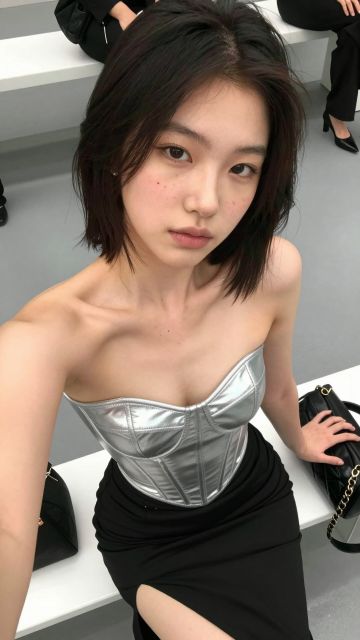 5s
⚡ Generate
5s
⚡ Generate
No templates in this view yet — try another filter.
A cover is a promise and a table of contents at once. That is how this studio is organised: the generator shoots the cover, the features fill the inside pages, the retouch desk fixes what almost made it, and the upscalers close the issue at press quality. Every desk works from the same account and the same fictional cover star — yours.
The cover shoot: text-to-image stills of your fictional cover star, briefed once and shot in series.
In MotionFeatures that move — clips cut from your cover frames, for teasers, loops and inside stories.
After HoursConsented transformations of your own photos or your own cover star — never anyone else’s.
Retouch DeskWardrobe, setting and light corrections on frames that almost made the cover, without reshooting.
CastingYour cover star’s face cast onto new stills, so every issue is unmistakably the same woman.
Press-ReadyFinished clips brought up to the size your storefront prints on the label.
Write her brief once — age, hair, face anchors, one signature detail — and she fronts every issue you publish.
Covers, features, edits and swaps all run from this account. Costs are confirmed per job before anything is charged.
Finish the keepers at press size and post the issue to your page. Everything sits private until you say otherwise.
Frames other creators chose to publish from this studio. Publishing is always opt-in — the default for every job is private.
One account covers the shoot, the features, the retouch desk and the press run — with a free daily check-in frame and one-time credit packs, no subscription.
Open the generatorNotes from the art desk on cover briefs, casting calls and closing an issue on time.
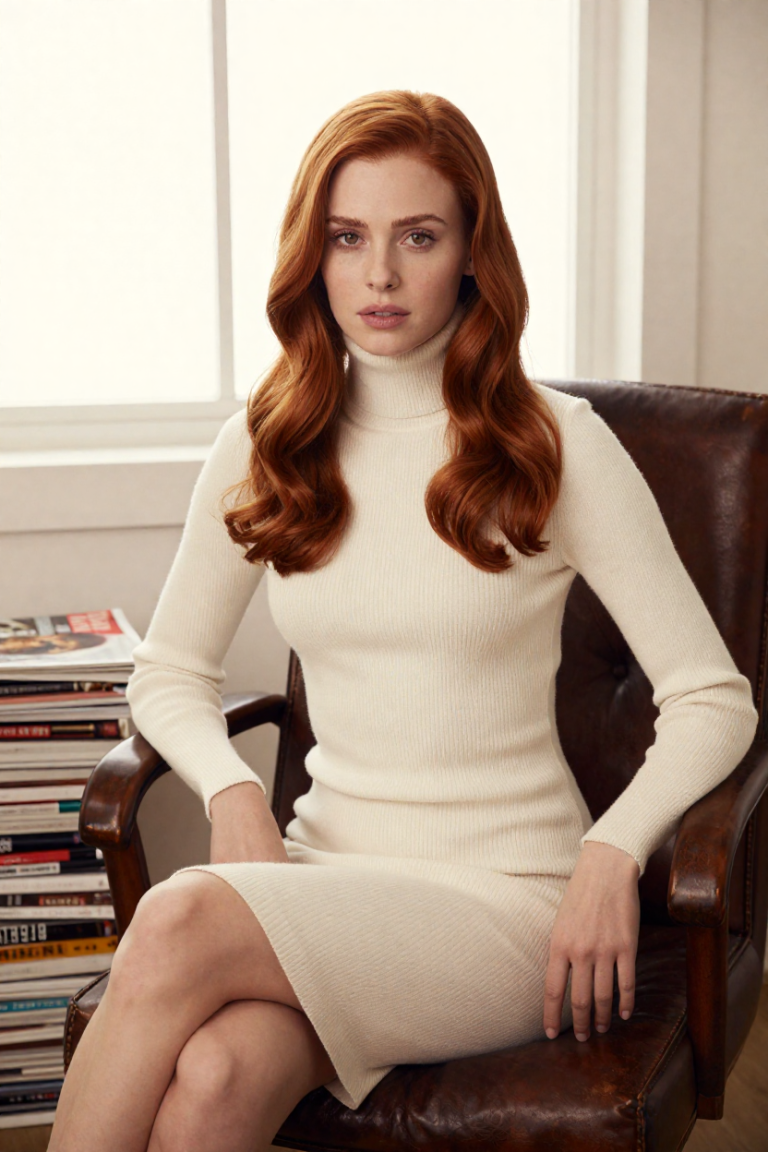
A creator page that publishes like a magazine needs a calendar like one. A monthly rhythm of covers, features and clips that…

The most valuable frame in a shoot is often the one that missed by a single detail. A retouch-desk workflow for finding…
A cover star is a casting decision written down. The five lines of a cover brief, what stays out of it, and…
Analyzing your photo…
Your result will appear right here — keep this open.
0:00
Your image is deleted after generation.
Browse filesFailed jobs are refunded automatically. Results land in My Collection.